Alvaria handles contact center management well, but it can feel heavy, rigid, and overpriced, especially for growing teams.
We have compared various alternative platforms in real-world environments like call routing, self-service, analytics, and agent experience.
These are the 7 best Alvaria competitors and alternatives that actually outperform it, with better flexibility, smarter automation, and faster ROI for 2026.
Overview: The 7 Best Alvaria Alternatives
1. Verint: The Industry's Most Comprehensive AI-Powered CX Platform
What it does: As a dedicated CX Automation platform, Verint provides the solutions today’s teams need to bridge the gap between rising customer expectations and limited operational resources. Verint serves as an intelligent orchestration layer that harmonizes human workforces with AI-powered automation to maximize contact center capacity. The platform unifies interaction data and workforce intelligence to streamline service delivery across all voice and digital channels.
Who it is for: Verint Open Platform solutions can be deployed flexibly with the contact center tools that work for you and with a modular approach that helps you avoid unncessary and risky rip and replace projects. Plus, it’s built to scale with growing organizations, from 50-seat operations to global enterprises with spanning sites, countries, and time zones.

With the strategic merger of Verint and Calabrio, two heavyweight innovators in the world of WFM, the industry has a new powerhouse of workforce intelligence and CX automation. With the world’s most advanced WFM in the Verint Open Platform, Verint provides a sophisticated alternative that seamlessly integrates with existing systems and channels, eliminating the silos typical of legacy WFM solutions and scaling alongside your organization to deliver AI-powered business outcomes.
Key Features & Differentiators
- A Long History of WFM Leadership: Named a leader in the enterprise WFM market by DMG Consulting LLC for more than a decade, Verint is an established vendor at the forefront of WFM and CX innovation—and it’s only getting stronger with the addition of Calabrio.
- Leading AI-Driven Innovation: With Verint Da Vinci™ AI at the core of the Open Platform, Verint offers specialized, AI-powered bots that automate workflows, unlock insights, and power productivity across the organization.
- Proven Solutions for Agent Empowerment: From the TimeFlex Bot that enables unlimited schedule changes and real-time coaching that recommends agents’ next best actions, to a seamless mobile app experience and an Interaction Wrap Up Bot that shoulders tedious after-call work, Verint transforms the agent experience to reduce attrition and improve agent capacity.
- Intelligent, Accurate Forecasting: Eliminate overstaffing and unnecessary overtime while elevating customer experiences with AI-powered automation that helps you create highly accurate forecasts.
Pros
- Future-Proof Scalability, with Purpose-Built Capabilities: Verint WFM is built to scale alongside growing organizations, from 50-seat operations to global enterprises with spanning sites, countries, and time zones. Plus, purpose-built branch and back-office solutions enable enterprises to expand WFM beyond the contact center.
- Powerful WFM within a Cloud-Native Open Platform: Beyond comprehensive WFM and WEM, the Verint Open Platform delivers flexibility and faster outcomes with modular deployment options. No need to undergo a risky rip and replace to get results. Verint capabilities work with the contact center solutions that work for you.
- Comprehensive and Real-Time Data: Accelerate decision-making and drive improvement with deeper insights with a unified and real-time view of the full picture of your engagement data—including interaction, workforce performance, customer experience, and quality.
2. Five9: AI-Enhanced Omnichannel Power
What it does: Five9 is a cloud-based contact center platform with omnichannel routing, predictive dialers, and AI tools to help large teams manage inbound, outbound, and blended communications from one unified interface.
Who it is for: It’s built for CX leaders, BPO teams, and compliance-heavy industries like healthcare and finance that need secure, scalable, and automated customer engagement tools across voice, chat, email, and social.
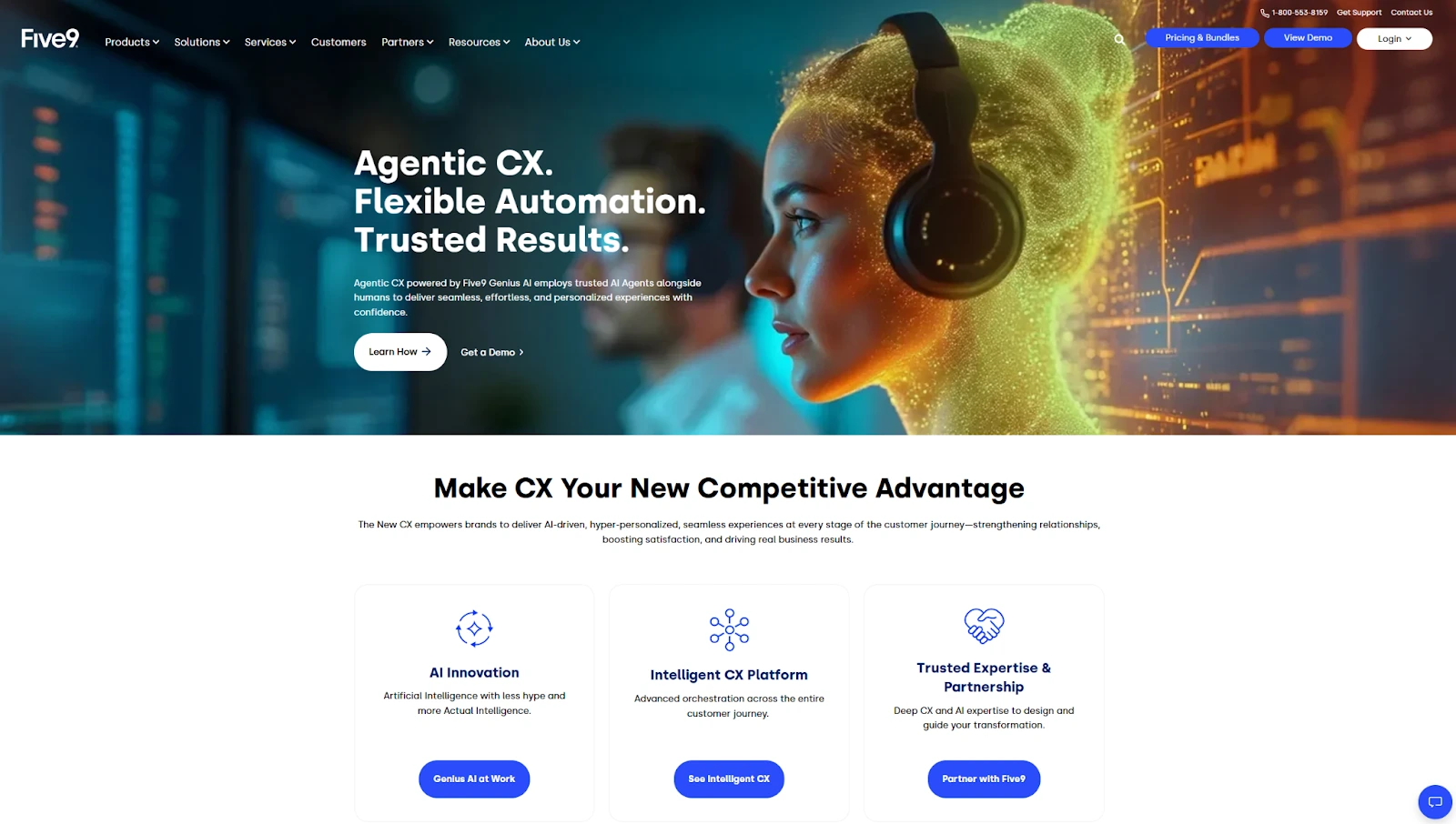
Five9 adds value with intelligent automation, smart dialers, and a unified workspace for agents. The predictive dialer reduces idle time significantly, making it useful for outbound-heavy operations. With skill-based routing and IVR, agents connect with the right customers faster, which improves both experience and resolution times.
The Workforce Engagement Management (WEM) tools support accurate forecasting, adherence tracking, and agent shift bidding. These features help manage large or remote teams more efficiently. For teams that need greater depth in coaching, automation, or analytics, integrating Verint with Five9 can get you even more value. While Five9’s WEM features cover key workforce functions, Verint adds advanced capabilities like automated quality evaluations, customizable scorecards, self-scheduling, and real-time performance insights.
This seamless integration gives contact centers the tools to elevate both agent engagement and service quality, without introducing complexity or disrupting existing workflows.
Real-time alerts and performance dashboards allow supervisors to respond quickly to issues as they happen. The agent interface is easy to adapt to, but admins may need training to configure advanced workflows or customize workforce settings.
AI tools like sentiment analysis, agent assist, and speech analytics, flag risky interactions and support quality control during live calls. Five9 handles basic automation without extra tools, but building custom reports or complex flows often needs help from support or internal developers.
Customer Thoughts on Five9
Five9 is a well-known name in the contact center space, but user reviews point to several pain points. Some customers share that getting help from customer support can be extremely difficult, with hours-long wait times and limited resolution. Others report that tier-1 support lacks expertise and escalations rarely provide clear answers, leaving them frustrated when technical issues arise.
System stability is another theme in reviews. For example, users mention that the platform glitches and sometimes fails to record calls; a critical problem for those relying on accurate call capture. On the admin side, feedback suggests that making even small configuration changes requires contacting support, which slows down daily operations and adds unnecessary complexity.
Pros
- Powerful predictive dialers
- Strong WEM + QA tools
- Reliable compliance and uptime
Cons
- Customer support can be unresponsive and difficult to reach
- Tier-1 agents often lack technical knowledge and escalations don’t resolve issues
- Frequent glitches and missed call recordings
- Compatibility issues reported with Mac systems
- Admin tasks require support intervention for simple changes
If you’re running large campaigns in a regulated industry, Five9 gives you the scale, security, and automation Alvaria offers, but with better AI and cleaner omnichannel control in a modern CCaaS setup.
3. Genesys Cloud CX: Scalable Omnichannel Intelligence
What it does: Genesys Cloud CX is a powerful, cloud-native platform for managing voice, chat, email, SMS, and social interactions with built-in AI, WEM, analytics, and seamless journey orchestration.
Who it is for: It’s made for enterprise contact centers in finance, healthcare, telecom, or BPOs that need a secure, scalable platform to manage customer experience across all channels in one system.
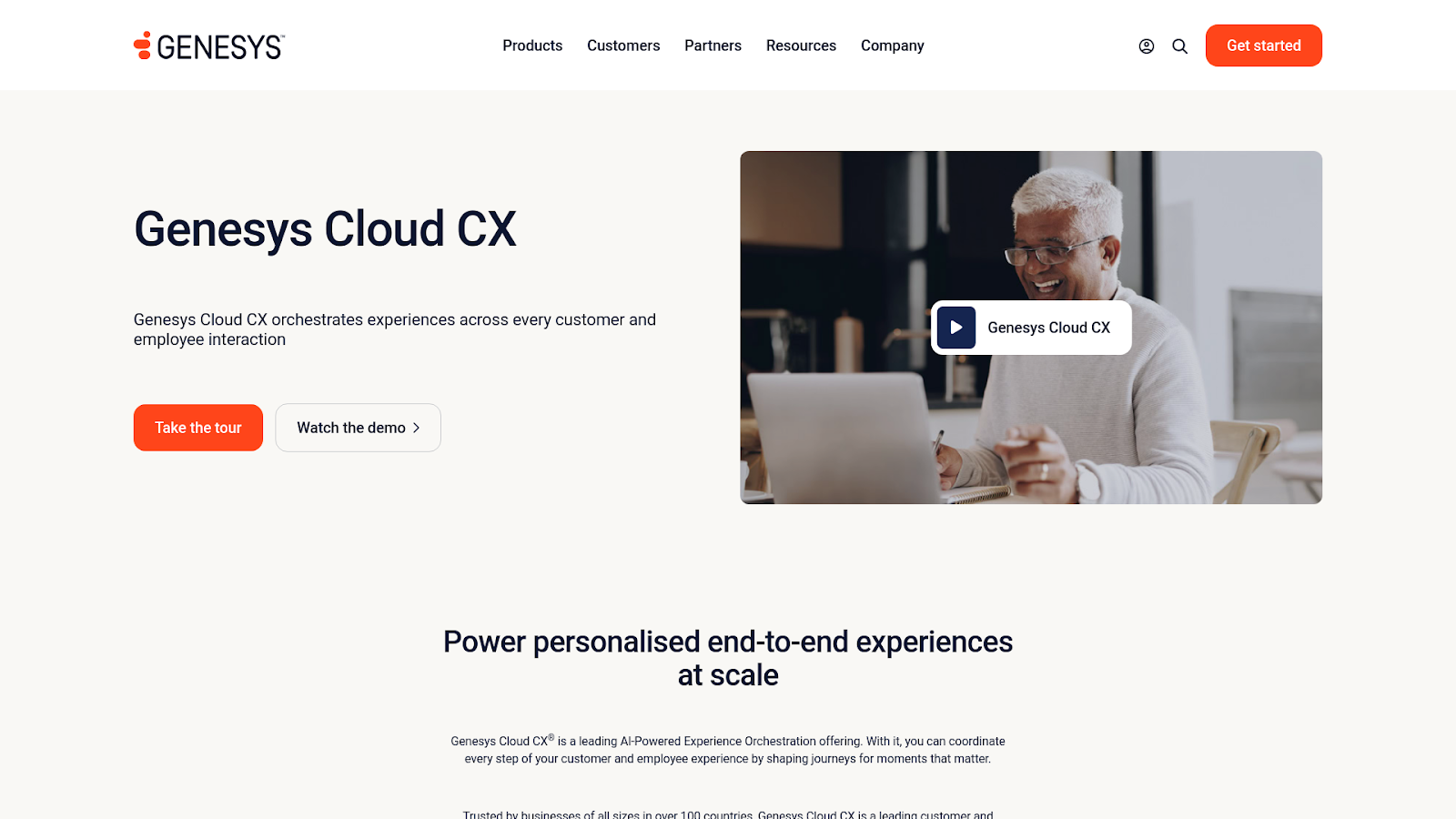
Genesys Cloud CX offers modular scalability, allowing teams to start with voice and add digital channels, bots, and WEM tools when needed. The AI Copilot supports agents in real time, helping them handle complex conversations more efficiently.
Its WEM suite includes accurate forecasting, adherence tracking, shift bidding, gamification, live coaching, and performance dashboards in a single interface.
Compared to Alvaria, the modern UI speeds up onboarding and reduces learning time for new users. Genesys also includes predictive routing, virtual agents, and journey analytics that personalize the customer experience and improve resolution speed.
However, you’d need to get higher-tier plans or paid add-ons for advanced features, which can increase the total cost.
Customer Thoughts on Genesys Cloud CX
Genesys Cloud CX is widely adopted for its omnichannel capabilities, but reviewers point out recurring challenges. Some users report that Genesys Cloud CX with outages and crashes, which directly affects performance and agent productivity. Others highlight that the chat and email tools are limited and often buggy, making it harder to manage customer communications efficiently.
Still, for high-volume, AI-ready contact centers, Genesys Cloud CX can provide a strong mix of automation, flexibility, and omnichannel support that grows with business needs.
Pros
- Strong AI + WEM suite
- Seamless omnichannel routing
- Scales with your needs
Cons
- Reliability issues with outages and crashes
- Agents occasionally kicked out of queues or disconnected
- Chat and email tools are limited and buggy
- Email client can block attachments and feels unintuitive
Genesys Cloud CX is a flexible, enterprise-ready platform that combines smart automation, strong WEM, and full-channel support. It’s a serious alternative to Alvaria if you want scalability, ease of use, and rich AI, but be prepared for the premium.
4. Talkdesk: AI-First Omnichannel Control
What it does: Talkdesk is a cloud-based contact center platform with omnichannel routing, AI-powered automation, dialers, analytics, and workforce tools in one solution for enterprise customer engagement.
Who it is for: It’s ideal for regulated industries like finance and healthcare, BPOs, and large retail or utility contact centers looking to deploy AI-driven workflows and scale customer support operations.
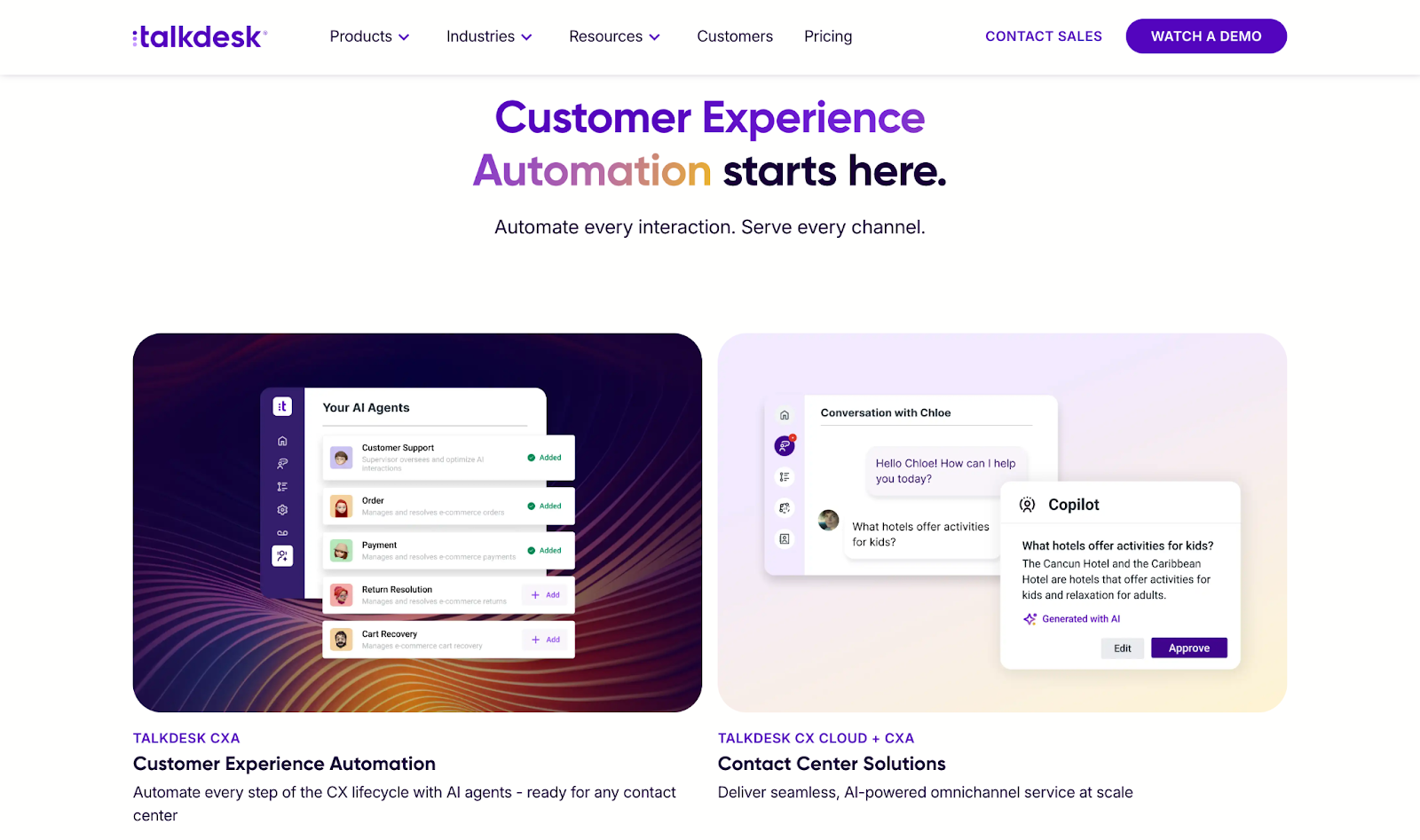
Talkdesk provides strong automation through its AI orchestration engine (CXA). It automates customer journeys, supports outbound campaigns, and gives real-time help to agents.
The Agentic Outbound tools can reduce missed appointments and follow-ups by triggering voice or SMS reminders automatically.
The low-code Studio tool lets teams build IVRs, set triggers, and create workflows using a visual interface, cutting down the need for constant developer support. This makes automation easier to manage, though setting up advanced logic can still take time to learn.
Real-time analytics and live dashboards help supervisors monitor key metrics, review screens, and check call recordings during active sessions. To build on these capabilities, many teams leverage integrations to access deeper WFM capabilities.
While Talkdesk provides solid real-time visibility, specialized solutions like Verint WFM add the tools needed to act on that data more effectively, turning live insights into targeted feedback, faster interventions, and long-term performance improvement. The integration is seamless and helps teams drive greater impact without adding operational overhead.
However, performance can dip during peak traffic, and the mobile app lacks full feature parity with the desktop version. These issues can cause delays for global or high-volume teams.
Customer Thoughts on Talkdesk
Talkdesk is known for its scalability, but some reviews mention that Talkdesk, especially when dealing with billing or account issues. Others report that integrations aren’t always seamless, with the Salesforce and QA tool connections being unreliable, which can disrupt analytics and high-volume workflows.
Pros
- AI-first automation engine
- Omnichannel and outbound support
- 60+ native integrations
Cons
- Support can take too long to respond
- Billing transparency is limited
- Integrations with Salesforce and QA tools may be unreliable
- Autodialer struggles in fast-paced environments
5. Avaya Experience Platform: Hybrid Enterprise Communications
What it does: Avaya Experience Platform merges CCaaS, UCaaS, and CPaaS into a single cloud or hybrid platform with built-in AI orchestration, omnichannel routing, and workforce tools for enterprise-grade communication and compliance.
Who it is for: It’s best for large enterprises, public sector orgs, or regulated industries needing AI-powered CX, hybrid deployments, and tight data control across thousands of contact center agents.
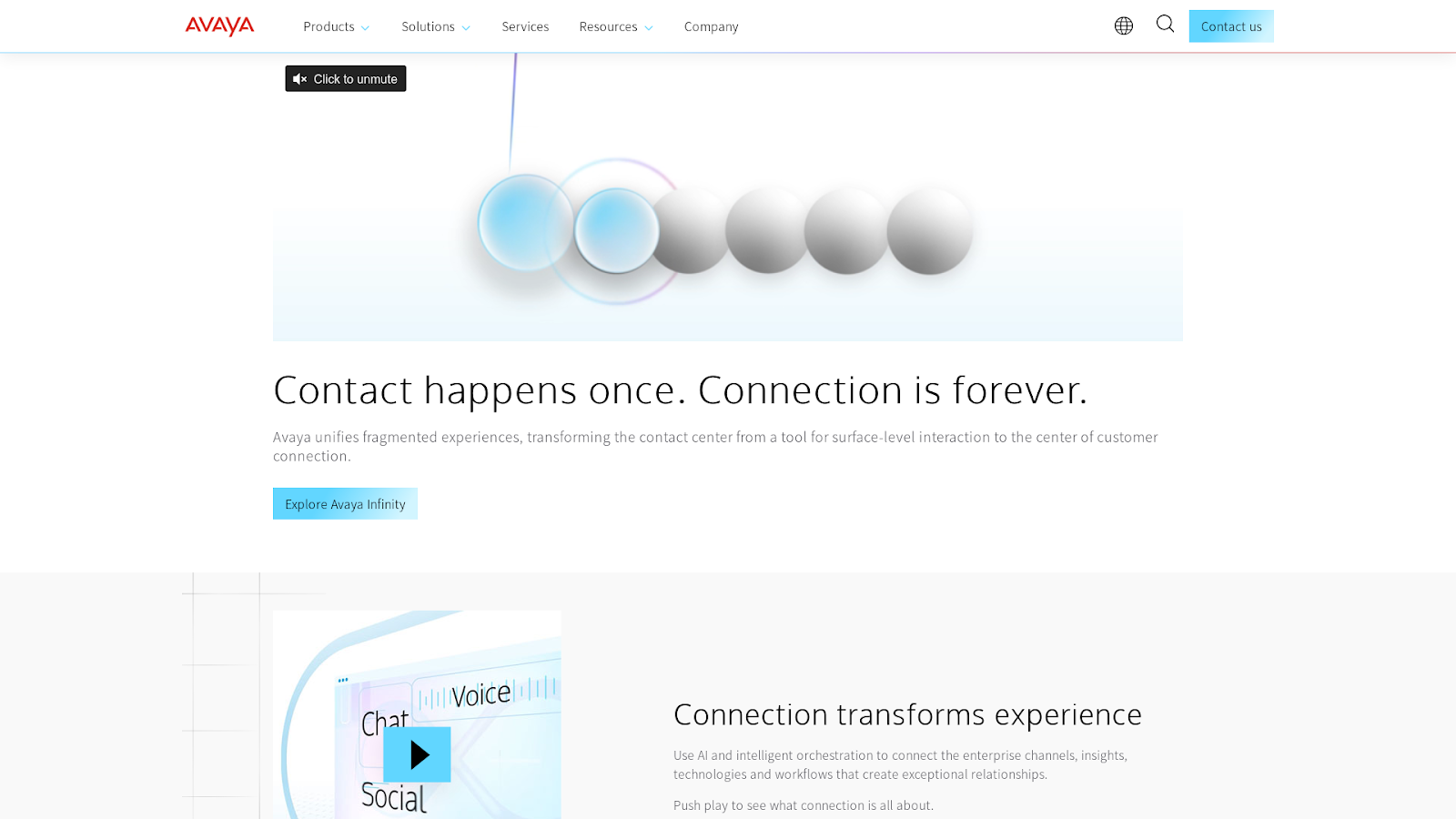
Avaya offers hybrid deployment flexibility, letting companies run both cloud and on-premise services while managing everything from a central dashboard.
This approach works well if your organization has strict data residency rules or legacy infrastructure that can’t fully move to the cloud.
The AI orchestration engine supports agent assist, sentiment detection, and bot automation across channels. Businesses can use their own AI models or integrate third-party tools through open APIs, helping to automate common inquiries at scale.
The low-code flow builder lets you customize routing and workflows, but you need a lot of technical knowledge to configure these tools. Teams without IT support may struggle with setup and design. For organizations looking to strengthen workforce engagement alongside AI automation, Verint offers a natural extension.
While Avaya provides strong omnichannel and AI orchestration, pairing it with Verint adds easy access to innovative AI-powered bots for CX automation. This integration allows businesses to complement their automation strategy with tools that boost agent productivity, support smarter coaching, and deliver a more balanced, people-first contact center experience.
Customer Thoughts on Avaya Cloud Office
Avaya Cloud Office is positioned as a comprehensive solution, but reviews suggest the customer experience can be uneven. Some users mention that setup and onboarding feel disorganized, with miscommunication between teams and delays in getting systems fully operational. Others report that the platform can be unstable at lower tiers, with frequent crashes that disrupt both agents and customers.
Pros
- Hybrid deployment flexibility
- Strong AI and bot support
- Enterprise-grade reliability
Cons
- Setup and onboarding can feel disorganized
- Lower product tiers are prone to frequent crashes
- Calls on hold may drop unexpectedly
- User interface can be confusing for staff unfamiliar with the system
Avaya Experience Platform is built for serious enterprise operations that need secure, hybrid, AI-driven communication at scale. If your team meets the size and resource requirements, it’s a powerful solution that delivers long-term value and control.
6. 8×8 Contact Center: Reliable Global CCaaS
What it does: 8×8 Contact Center is a cloud-native platform featuring voice, chat, email, SMS, AI features, and workforce tools in a unified workspace built for small to mid-sized customer-facing teams.
Who it is for: It’s made for SMBs and mid-market companies that need a dependable, all-in-one contact center platform with omnichannel, analytics, and AI, without the complexity or cost of enterprise-grade solutions.

8×8 has a unified interface that allows agents and supervisors to manage all channels like voice, chat, email, from a single screen. This setup reduces tool switching and improves response time.
The platform includes real-time agent assist, call transcription, and speech analytics, which support QA and coaching without needing extra tools. These features are often premium in other platforms but come bundled here at a more accessible price.
For teams that want to go further with workforce engagement and performance optimization, integrating Verint can add significant value. While 8×8 provides built-in QA and analytics, Verint WFM enhances the experience with accurate omnichannel planning and forecasting, more flexible scheduling options, and powerful workflow automation. This allows contact centers to scale more effectively, reduce manual processes, and create a more empowered and agile agent experience; all while keeping their existing 8×8 infrastructure in place.
Virtual agents help deflect routine queries, improving efficiency. However, some advanced AI functions require vendor upgrades or third-party tools for full functionality. The analytics dashboard is customizable, letting users set alerts and track live performance trends. These tools help managers respond quickly to issues.
Customer Thoughts on 8×8 Contact Center
8×8 Contact Center offers a wide set of features, but reviews highlight challenges around service and reliability. Some users say that customer support can feel 8×8 Contact Center, with critical issues going unresolved for days. Others report that the platform struggles with outages and software updates that break existing functionality, creating frustration for teams that rely on it daily. A number of reviewers also mention difficulties integrating the system with CRMs, often requiring months to get it working properly.
Pros
- Solid call reliability
- AI and analytics included
- Unified agent/supervisor workspace
Cons
- Customer support feels unresponsive and lacking product knowledge
- Outages and updates occasionally disrupt functionality
- Integrations with CRM systems can take months to configure
- Feature set lags behind some competitors
8×8 Contact Center is a strong pick for SMBs or mid-sized teams wanting omnichannel reach, baked-in AI, and analytics, without managing heavy infrastructure. Just prepare for some vendor back-and-forth and tier upgrade decisions as your team grows.
7. NICE CXone: Enterprise-Grade AI CX
What it does: NiCE CXone is a full-featured CCaaS platform combining omnichannel communication, AI automation, workforce tools, and advanced analytics for large-scale contact centers in regulated industries.
Who it is for: It’s designed for large enterprises and BPOs in finance, telecom, and healthcare that need advanced customer experience orchestration, compliance readiness, and deep integration flexibility across global teams.
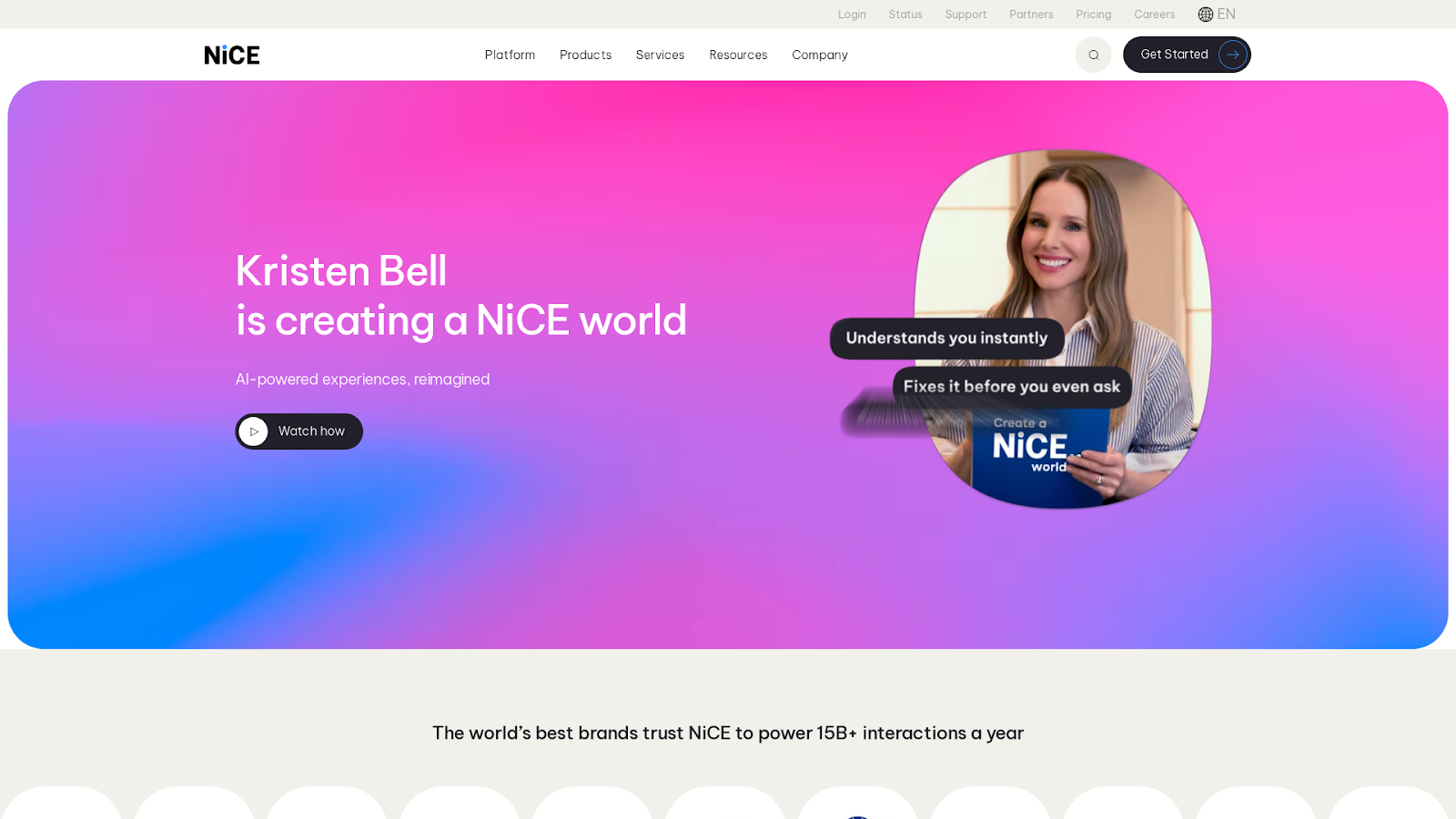
If you want AI to help your agents in real time, NiCE CXone can be a good choice. Tools like Copilot, chatbots, and predictive routing guide conversations, speed up resolutions, and lower the chance of escalations.
The Workforce Engagement suite is built for big teams. You get forecasting, schedule adherence, quality coaching, and gamification in one place. Supervisors can track team performance easily and spot coaching needs fast.
CXone also gives you detailed analytics and customer journey insights, which help improve decisions and service quality.
But keep in mind, the admin panel is complex. It takes training to get the most out of it, especially if you’re setting up custom flows or deep integrations.
CXone works best when you can fully use everything it offers. For large contact centers that care about compliance, AI automation, and performance tracking, it can deliver strong long-term results.
Customer Thoughts on CXone Mpower
CXone Mpower is positioned as a leading platform, but reviews highlight recurring challenges. Some users mention setup and deployment can be slow and problematic, with issues surfacing well after go-live. Others say that support feels unresponsive and prone to major errors, including misconfigured numbers and unanswered requests.
Customers also report that the system is unreliable, with frequent stalls and error messages, making it difficult to maintain smooth operations. Finally, many note that reporting is confusing and inconsistent, leading to frustration for agents and managers alike.
Pros
- Robust AI and WEM tools
- Deep CRM and UC integrations
- High voice quality and reliability
Cons
- Setup and deployment can be lengthy and error-prone
- Support is slow and sometimes introduces major mistakes
- Frequent errors and reliability issues disrupt work
- Reporting is overly complex and inconsistent
NiCE CXone is a premium solution for large contact centers focused on compliance, AI automation, and workforce performance. If your team can invest in onboarding and scale, it delivers unmatched depth in omnichannel customer experience.
How We Tested the Best Alvaria Alternatives
The best Alvaria alternative in 2025 should do more than just handle calls or track schedules. It should:
- Support compliance-heavy operations across inbound and outbound workflows
- Provide a unified platform for WEM, QA, and analytics
- Be flexible enough to run in cloud, hybrid, or on-prem environments
- Deliver better usability, automation, and support than Alvaria’s legacy stack
To find the best options, we tested over a dozen platforms using the same real-world criteria. Here’s what we focused on:
Finding the Best Alvaria Alternatives in 2026
The best Alvaria alternative in 2025 should do more than just handle calls or track schedules. It should:
- Support compliance-heavy operations across inbound and outbound workflows
- Provide a unified platform for WEM, QA, and analytics
- Be flexible enough to run in cloud, hybrid, or on-prem environments
- Deliver better usability, automation, and support than Alvaria’s legacy stack
Here are the factors we considered when creating this list.
Omnichannel Support That Actually Works
Alvaria built its reputation on strong dialers and omnichannel capabilities, making this a critical evaluation point for any alternative. The best platforms today handle both inbound and outbound operations seamlessly, routing calls, emails, and chats through unified queues without the complexity of separate modules.
Outbound dialers need robust compliance features for TCPA and DNC requirements, while blended campaigns should run smoothly without requiring administrators to jump between different interfaces or manage disconnected systems.
Meeting Enterprise Compliance Standards
Most Alvaria customers operate in regulated industries, which means any viable alternative must excel at security, compliance, and reliability. The leading platforms meet HIPAA, PCI, GDPR, and other industry certifications as a baseline, but they go further by backing uptime commitments with meaningful SLAs.
Granular access controls and comprehensive audit logs aren’t optional features anymore. They’re essential for maintaining compliance in healthcare, financial services, and other regulated sectors.
Unified Workforce and Quality Management
One of Alvaria’s traditional strengths has been combining workforce management with quality assurance under one roof, and modern alternatives have taken this integration even further.
Real-time forecasting and adherence tracking now come standard, but the best platforms make these features actually usable for supervisors who need to evaluate calls, monitor screens, and coach agents without switching between multiple tools. Performance tracking has evolved from complex reporting modules to actionable dashboards that drive immediate improvements.
The Admin Experience Revolution
Where Alvaria’s admin experience often feels complex and dated, newer platforms have prioritized clean, intuitive interfaces that reduce setup time and technical dependencies. Building call flows and configuring queues no longer requires deep technical expertise or lengthy professional services engagements.
Modern platforms recognize that faster deployment and easier scaling directly impact ROI, so they’ve invested heavily in user experience improvements that make dashboards functional without third-party tools and reduce onboarding from weeks to days.
Integration Depth That Matches Reality
Contact centers run on interconnected technology stacks, with most Alvaria users relying heavily on Salesforce, Oracle, Verint, and various telephony systems. The strongest alternatives offer native integrations with major CRM and UCaaS platforms while providing robust APIs and webhooks for custom development.
BYOC support has become increasingly important as organizations want to maintain existing carrier relationships while modernizing their contact center infrastructure.
Scaling for Real-World Operations
Enterprise contact centers need platforms that handle thousands of agents across multiple time zones without breaking a sweat. This means supporting complex workflows like QA audits, agent scheduling, and predictive campaigns at scale while maintaining performance.
License models need to be both predictable and flexible, allowing organizations to scale up during peak seasons without budget surprises. The platforms that stand out reduce administrative overhead significantly while improving key metrics like speed to resolution and first-call resolution rates.
Beyond Legacy Limitations
The platforms emerging as top Alvaria alternatives aren’t just matching its capabilities; they’re redefining what modern contact center operations should look like. These solutions bring together usability improvements, deeper automation, richer integration options, and true enterprise readiness in ways that legacy platforms struggle to match.
Ditch the Complexity. Upgrade to Verint.
Modern contact centers need workforce engagement that moves at the speed of customer expectations. Verint delivers the unified WEM capabilities enterprise teams need without the complexity that slows them down.
Leading contact centers choose Verint because it brings together forecasting, scheduling, quality management, and performance analytics in a single, open platform that delivers measurable AI-driven business outcomes.
Join hundreds of contact centers that have modernized their workforce engagement without the risks of rip-and-replace projects and headaches of a lengthy implementation.