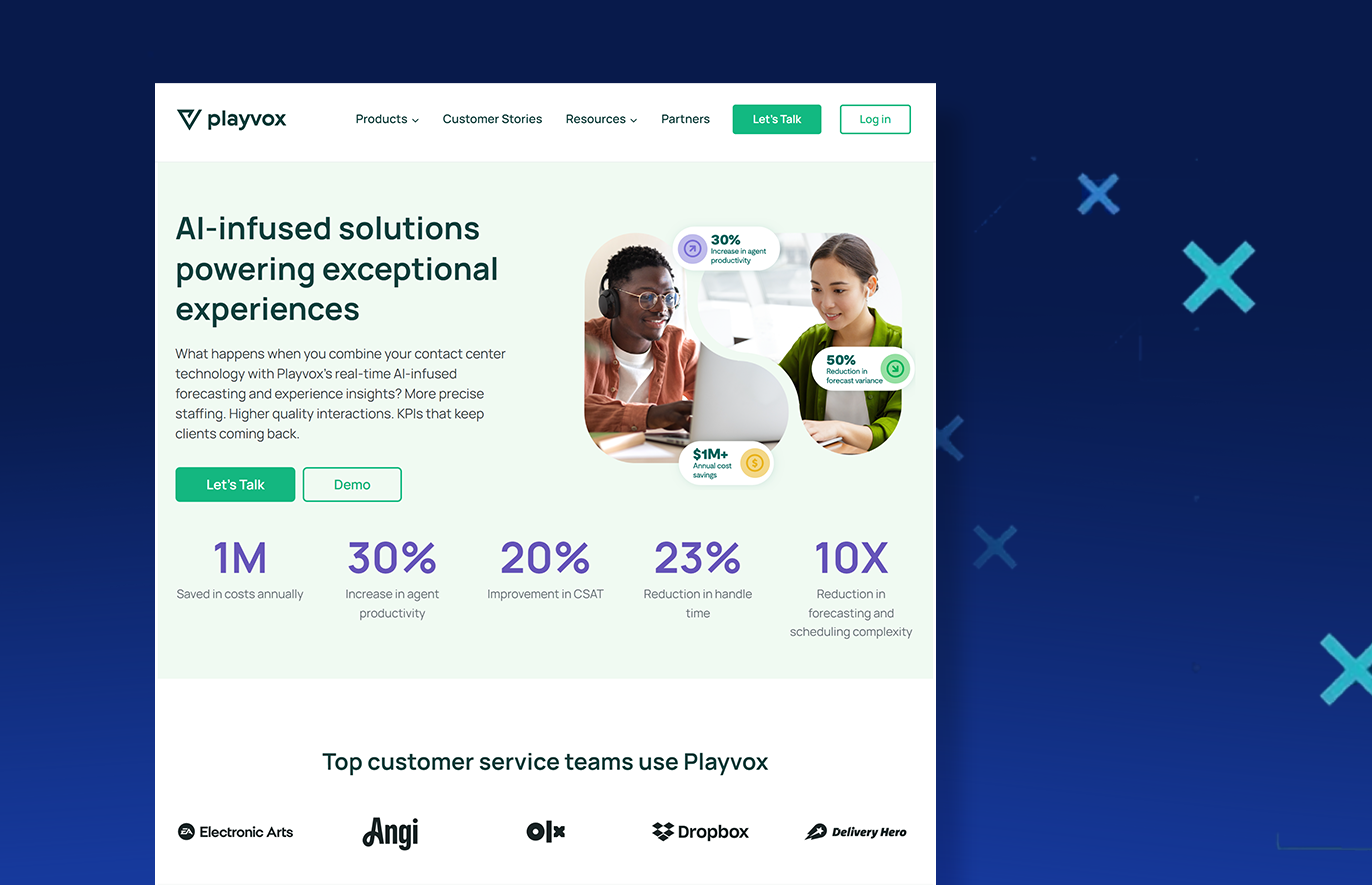
Looking for a contact center platform that actually delivers on its promises? You’re not alone. Your requirements change overtime and it’s possible that every now and then, your current workforce management system falls short of expectations, leaving agents frustrated and customers waiting. The search for something better brings many to evaluate Playvox alternatives, especially following the platform’s recent acquisition.
Making the right choice matters more than ever. Contact centers work with remote teams, omnichannel support, and ever-complicating customer expectations while trying to keep costs under control. The wrong platform can sink agent morale and send your best performers looking elsewhere.
This guide talks about the real differences between Playvox and its top competitors. We’ve looked at pricing structures, feature sets, and actual user experiences to help you cut through marketing claims and focus on what matters for your specific needs.
The Playvox Acquisition
In October 2024, Playvox confirmed its acquisition by NiCE, effectively eliminating one of NiCE’s three main WEM competitors. This consolidation raises immediate concerns for current Playvox customers.
The acquisition creates significant product overlap. NiCE already offers all of Playvox’s core capabilities, suggesting potential feature deprecation or forced migrations. This is not the first time NiCE has acquired a competitor, and the result for consumers was not pretty. NiCE’s previous LiveVox acquisition resulted in layoffs and service disruptions that impacted customer support quality.
Pricing presents another concern. Playvox’s competitive mid-market pricing will likely align with NiCE’s premium enterprise model, potentially pricing out smaller organizations. Additionally, Playvox’s specialized integrations, particularly with Salesforce, may diminish as NiCE prioritizes its own ecosystem.
Most troubling is the reduced market competition. With fewer independent vendors driving innovation, the pace of WEM advancement may slow. For organizations that valued Playvox’s agility, competitive pricing, and responsive support, evaluating alternatives now, before potential forced migrations or unwanted changes, isn’t optional anymore.
Playvox Alternatives at a Glance
Before diving into detailed comparisons, here’s a high-level overview of leading WEM providers competing with Playvox:
| Platform | Target Market | Core Platform | Implementation | TCO |
| Calabrio | Mid-market to large (200-1,000+ agents); built for growing contact centers needing enterprise tools without complexity | Calabrio ONE Suite – unified WEM with native AI, WFM, QM, and analytics | Cloud-first, faster deployment with deep CCaaS integrations | Lower, especially for mid-market. Predictable pricing |
| NiCE CXone | Primarily large enterprises and BPOs; excels in complex, global deployments | CXone Mpower – large-scale omnichannel CX platform with Enlighten AI | Highly configurable but complex and resource-intensive | Premium pricing for large enterprise budgets |
| Genesys Cloud | All sizes, but best for organizations wanting unified CCaaS/WEM | Genesys Cloud CX – integrated CCaaS and WEM solution | Streamlined for Genesys users, challenging for others | Variable based on modules and usage |
| Talkdesk WFM | Small to mid-market prioritizing ease of use and quick deployment | Cloud-based WFM with AI forecasting and mobile-first design | Rapid deployment, minimal training needed | Quote-based, add-on for Talkdesk users |
| MaestroQA | Mid-market teams focused on quality improvement and coaching | QA-focused platform with screen capture and AI Auto QA | Quick setup with major helpdesk integrations | Per-agent pricing, scales with team size |
| Scorebuddy | Contact centers scaling QA programs without adding headcount | AI-powered QA with integrated LMS and BI tools | 14-day custom trial with dedicated support | Credit-based system for AI features |
| Klaus/Zendesk QA | Support teams of all sizes seeking modern QA | AI-first quality management with AutoQA | Deploy in days, not months | Included in Zendesk or standalone pricing |
1. Calabrio Overview
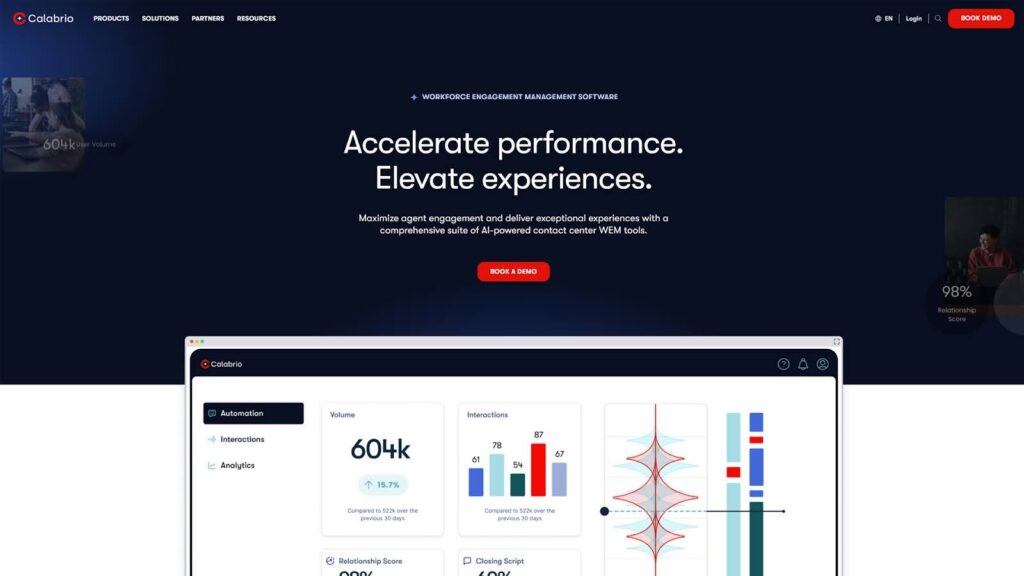
Calabrio stands out as the workforce performance partner built entirely for modern contact centers. The cloud-first Calabrio ONE suite unifies workforce management, quality assurance, and powerful analytics, all enhanced by embedded AI that helps organizations consistently deliver exceptional customer experiences.
Calabrio empowers teams through self-service tools, flexible scheduling, and deep data-driven insights. The platform serves mid-market and enterprise brands across financial services, healthcare, retail, and telecommunications.
Core Features
Calabrio ONE delivers capabilities that contact centers need without overwhelming complexity.
1. Advanced AI-Powered Workforce Management
Calabrio’s workforce management solution makes the traditionally complex world of contact center scheduling into an intuitive, intelligent system that practically runs itself. The platform’s predictive forecasting engine doesn’t just analyze historical patterns; it learns from your unique business rhythms, automatically detecting everything from subtle daily fluctuations to major seasonal trends across all channels, including voice, chat, email, and social media.
The AI continuously refines its predictions based on real-world outcomes, achieving forecast accuracy rates that consistently exceed 95% even for complex, multi-skill environments. Managers gain the power to run unlimited “what-if” scenarios, instantly visualizing how changes in staffing, service level targets, or unexpected events would impact operations.
Real-time adherence monitoring transforms from a compliance tool into a proactive management system. Supervisors receive intelligent alerts not just when agents go out of adherence, but predictive warnings when patterns suggest potential issues. The platform’s intraday management capabilities enable dynamic schedule adjustments that maintain service levels while respecting agent preferences; all through simple drag-and-drop interfaces that make complex changes feel effortless.
2. AI-Powered Quality Management with 100% Coverage
Calabrio’s quality management revolution begins with a simple premise: every interaction matters. The platform’s AI doesn’t sample interactions. Instead, it evaluates 100% of them across every channel, delivering the most detailed quality insights in the industry. This isn’t just automated scoring; it’s intelligent analysis that understands context, sentiment, and business impact.
The Auto QM feature uses configurable generative AI prompts to evaluate conversations against your specific quality criteria, compliance requirements, and business goals. Unlike rigid systems that force you into predefined frameworks, Calabrio’s AI adapts to your unique standards. Pre-tested question libraries based on decades of QM expertise help you get started immediately, while the flexibility to create custom evaluation criteria ensures the system grows with your every need.
AI-generated interaction summaries eliminate hours of after-call work, automatically extracting key points, customer sentiment, and next steps from every conversation. The platform’s Trending Topics feature continuously monitors all interactions to identify emerging issues, enabling proactive problem resolution before small concerns become major problems. This approach turns quality management from a backward-looking audit function into a forward-thinking driver of continuous improvement.
3. Agent Self-Service Experience
The My Time mobile app and integrated My Calabrio portal represent a fundamental shift in how agents interact with workforce management systems. This isn’t just schedule viewing; it’s complete schedule ownership. Agents gain total control over their work-life balance through intuitive tools that make managing schedules as easy as using their favorite social media apps.
The self-scheduling capabilities go far beyond basic shift swapping. Agents can build their ideal schedules within business-defined parameters, request time off with instant visibility into approval likelihood, and even bid on preferred shifts based on seniority or performance metrics.
The system’s AI ensures that agent preferences align with business needs, automatically suggesting schedule options that work for everyone.
Real-time notifications keep agents informed without overwhelming them. Performance metrics display in context, showing not just scores but trends, peer comparisons, and personalized improvement suggestions. There are several gamification elements, including leaderboards, challenges, and achievement badges, that make managing performance a little easier for everyone involved. The mobile-first design ensures remote and field agents enjoy the same empowering experience as their office-based colleagues.
4. Democratized Business Intelligence That Drives Action
Calabrio Insights breaks down the barriers between data and decisions by making advanced analytics accessible to everyone, from frontline supervisors to C-suite executives. The platform’s pre-built dashboards deliver immediate value, presenting complex data through intuitive visualizations that tell clear stories about performance, trends, and opportunities.
Natural language querying revolutionizes how users interact with data. Instead of learning complex query languages or waiting for analyst support, anyone can simply ask questions like “Show me our worst-performing call types this week” or “Which agents improved most after coaching?” The AI understands intent, translates questions into queries, and presents answers through stunning visualizations that make insights impossible to miss.
What Makes Calabrio Better
Several factors distinguish Calabrio from competitors:
- Superior Customer Experience: Real human support with minimal outsourcing creates genuine long-term partnerships. Recent internal investment doubled development capacity, accelerating innovation cycles based on actual customer needs.
- Intuitive Design Philosophy: Built with empathy for frontline workers, the platform reduces training time and improves adoption rates through thoughtful UX design.
- Lower Total Cost of Ownership: Particularly appealing for mid-market and scaling enterprises, Calabrio delivers enterprise capabilities without enterprise complexity or pricing.
- Deep CCaaS Integrations: Pre-built connections with Amazon Connect, Genesys, Five9, Cisco, and other platforms provide true plug-and-play functionality.
Cons
- Organizations with highly customized legacy systems may require additional integration planning
Looking to change the way your contact center looks at performance and management? Book a demo today to see how Calabrio can streamline operations across your business.
2. NiCE CXone Overview
NiCE positions itself as the enterprise leader in customer experience solutions, offering a platform designed for large, complex organizations. CXone combines omnichannel routing, workforce engagement, analytics, and AI to help enterprises manage customer interactions at scale.
Core Features
1. Enterprise Contact Center Platform
CXone Mpower unifies all customer service operations through a single cloud architecture, orchestrating interactions across 30+ channels with AI-driven routing. The platform seamlessly blends digital and voice channels, automating workflows while maintaining context throughout customer journeys. Built on microservices architecture, it scales effortlessly from hundreds to thousands of agents without performance degradation.
2. Enlighten AI Suite
NiCE’s Enlighten AI uses the industry’s largest CX dataset with 1,000+ pre-built models to power agent assistance, automated interactions, and predictive analytics. Copilot provides real-time guidance and next-best actions, while Autopilot handles routine inquiries autonomously. The AI continuously learns from billions of interactions, improving accuracy and reducing implementation time from months to weeks.
3. Omnichannel Support
The platform orchestrates seamless experiences across voice, chat, SMS, social media, and emerging channels through unified routing and journey management. AI-powered intent detection automatically guides customers to optimal resolution paths, whether self-service or agent-assisted. Real-time context sharing ensures agents see complete interaction history regardless of channel, eliminating repetitive information gathering.
4. Advanced Analytics
CXone Mpower’s analytics transform raw interaction data into predictive insights through AI-powered dashboards and natural language querying. The platform automatically identifies trends, sentiment patterns, and operational bottlenecks across all channels. Pre-built visualizations and 70+ out-of-the-box reports enable immediate value, while customizable analytics support complex business intelligence requirements without specialized expertise.
Customer Thoughts on NiCE CXone
NICE CXone is a widely used platform with strong capabilities, but user feedback suggests there are areas where the experience can be challenging. For example, some reviewers noted that the setup and deployment process can be lengthy and confusing, with issues only surfacing after weeks of configuration. Others expressed frustration that support can be slow to respond, sometimes taking days before a ticket receives attention.
Another recurring theme is that system reliability can be inconsistent, with reports of frequent errors and unexpected logouts. Additionally, customers have commented that the reporting and ease of use are not intuitive, making it difficult to get consistent results for agent coaching or performance measurement.
Finally, some users shared concerns about account management and support responsiveness, particularly when trying to purchase additional modules or resolve technical issues.
Overall, NICE CXone offers a comprehensive toolset, but customer reviews highlight that the user experience can vary significantly, depending on support quality and implementation complexity.
Pros
- Extensive functionality for complex environments
- Comprehensive digital channel support
- Deep AI capabilities across features
- Enterprise-grade infrastructure
- Extensive configuration options
Cons
- Setup and onboarding can feel slow and complicated
- Technical issues sometimes cause unexpected downtime
- Reporting tools may lack clarity and consistency
- Support and account management can be difficult to reach
3. Genesys Cloud CX Overview
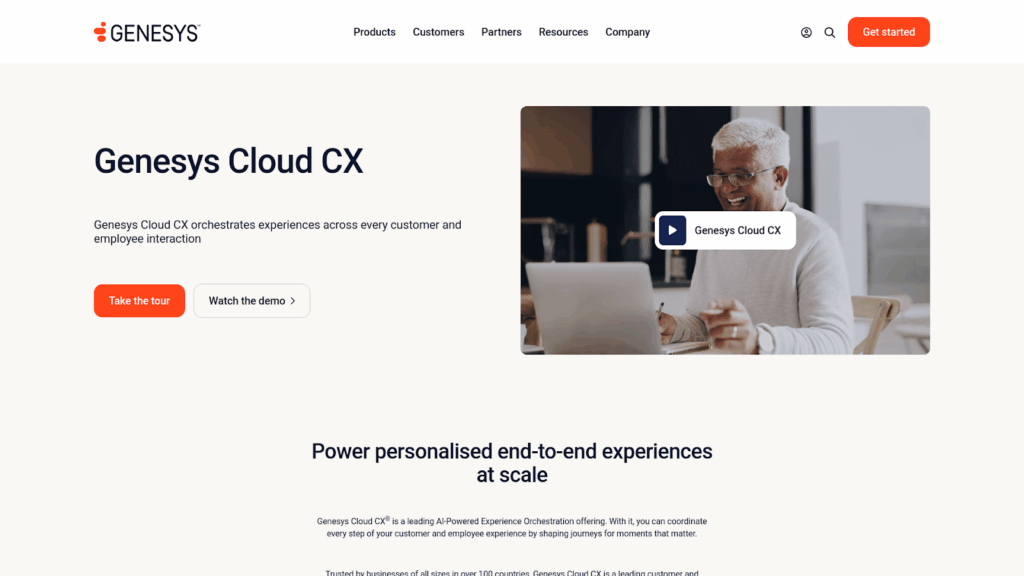
Genesys Cloud CX offers an all-in-one approach, combining CCaaS and WEM capabilities in a single platform. This integration appeals to organizations seeking to consolidate vendors while maintaining functionality.
Core Features
1. Unified CCaaS and WEM
Genesys Cloud CX combines contact center, workforce management, and collaboration tools in a single platform that eliminates traditional silos. The unified architecture ensures data flows seamlessly between customer interactions and workforce optimization, enabling real-time adjustments based on actual conditions. Native integration means features work together intuitively, reducing the complexity typically associated with multi-vendor solutions.
2. AI-Powered Workforce Optimization
The platform’s AI orchestrates every aspect of workforce management, from predictive forecasting to automated scheduling and real-time adherence monitoring. Machine learning algorithms analyze historical patterns and current conditions to optimize staffing across skills and channels. Agent Copilot provides real-time guidance while automating post-call tasks, reducing handle times, and improving consistency across interactions.
3. Omnichannel Excellence
Genesys maintains persistent context across voice, email, chat, social media, messaging, and video interactions through its unified data model. The platform’s journey orchestration capabilities visualize and optimize paths across all touchpoints, both within and beyond the contact center. Customers experience seamless transitions between channels while agents see complete interaction history in a single interface.
4. Open API Architecture
With 250+ pre-built APIs and microservices architecture, Genesys enables rapid innovation and seamless integration with existing business systems. The platform’s API-first approach allows organizations to build custom workflows, integrate proprietary applications, and extend functionality without vendor dependencies. No-code tools empower business users to create automations and customizations through intuitive drag-and-drop interfaces.
Customer Thoughts on Genesys Cloud CX
Genesys Cloud CX is a popular choice for many organizations, but user feedback highlights a few consistent challenges. Some reviews mention that the platform can struggle with unreliable service and downtime, which disrupts day-to-day operations. Others go further, saying that system crashes have directly impacted team performance.
Beyond stability, customers note limitations in certain channels. For instance, the chat platform and email ticketing system are described as restrictive, making it difficult to assign messages to the right agents or manage them efficiently. Some reviewers also reported that the email client is unintuitive and can block important attachments, adding extra friction for support teams.
Overall, while Genesys Cloud CX offers a broad set of capabilities, reviews suggest that reliability and usability are areas where the platform may not always meet customer expectations.
Pros
- Seamless CCaaS/WEM integration
- Strong omnichannel capabilities
- AI-driven optimization
- Scalable cloud architecture
- Comprehensive feature set
Cons
- Service reliability and uptime can be inconsistent
- Occasional system crashes disrupt workflows
- Chat and email functions lack flexibility and ease of use
- Email client sometimes blocks attachments and feels unintuitive
4. Talkdesk WFM Overview
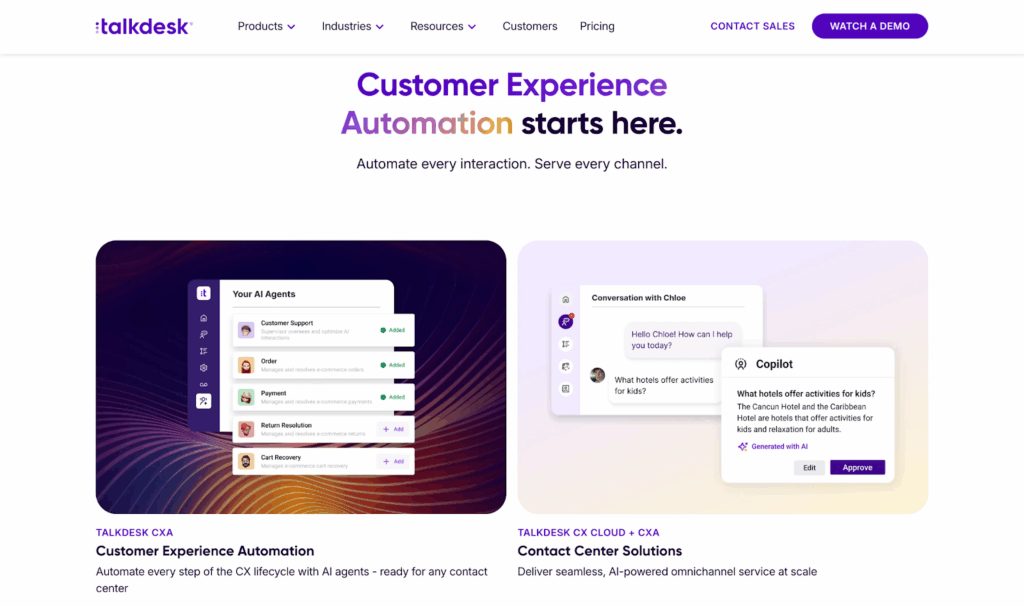
Talkdesk Workforce Management represents a new generation of workforce optimization designed for modern contact centers. The cloud-based suite combines AI-powered forecasting, automated scheduling, and employee engagement tools to help contact centers exceed customer expectations while managing costs effectively.
Core Features
1. AI-Powered Omnichannel Forecasting
Talkdesk WFM uses artificial intelligence to generate highly accurate forecasts based on both historical and real-time data. The system automatically analyzes patterns across voice, chat, email, and digital channels to predict demand and optimize staffing levels. Managers can manually edit forecasts and make intraday adjustments on the fly to respond to unexpected volume changes.
2. Automated Agent Scheduling
The platform simplifies and automates the scheduling process, creating optimized schedules designed to improve agent utilization without sacrificing service levels. Skills-based routing ensures the right agents handle the right interactions. The drag-and-drop editing interface makes schedule changes intuitive, while automated workflows handle the complex calculations behind the scenes.
3. Mobile-First Agent Experience
Through the Talkdesk Schedule mobile app (available for iOS and Android), agents gain 24/7 access to their schedules, can swap shifts with colleagues, and submit PTO requests. A unique conversational chatbot processes open-ended change requests naturally, eliminating the friction typically associated with schedule management. This self-service approach significantly reduces administrative burden.
4. Workforce Engagement Management
Beyond basic scheduling, Talkdesk WFM includes WEM features. Performance gamification with leaderboards and challenges motivates agents through friendly competition. Real-time wallboards display key metrics, while peer recognition tools (complete with confetti animations) celebrate achievements. These engagement elements integrate directly into the agent workspace, creating a cohesive experience.
For organizations that need more advanced flexibility or deeper functionality, Talkdesk can be extended through integration with a purpose-built solution like Calabrio ONE. While the native WFM suite covers the essentials, Calabrio adds powerful capabilities like automated quality evaluations, real-time adherence, agent self-scheduling, and advanced analytics.
This layered approach allows contact centers to enhance their workforce strategy without changing their core platform, improving both agent experience and operational performance.
Customer Thoughts on Talkdesk
Talkdesk is known for being flexible and scalable, but customer reviews indicate a few areas that could be improved. Some users mention that support response times can feel slow, particularly when dealing with billing or technical issues. This can leave teams waiting longer than expected to resolve important matters.
Beyond support, customers also report challenges with integrations. For example, the Salesforce and StellaReview connections are not always seamless, with users experiencing difficulties pulling accurate analytics or working with the autodialer in high-volume environments.
While Talkdesk continues to be a widely adopted solution, reviews suggest that improvements in responsiveness and smoother integrations could make a big difference for users.
Pros
- Fast implementation with automated setup and configuration
- Intuitive interfaces reduce training time significantly
- Mobile-first design empowers remote and hybrid workforces
- Conversational AI chatbot simplifies schedule management
- Gamification and engagement features included
Cons
- Support teams can take too long to respond
- Integrations with Salesforce and QA tools may be unreliable
- Data analytics and updates don’t always sync correctly
- Autodialer struggles in fast-paced workflows
5. MaestroQA Overview

MaestroQA changes quality assurance by turning it from a compliance checkbox into a strategic driver of customer experience. The platform combines AI-powered conversation analytics with human-centered coaching workflows to help contact centers scale quality programs without proportionally increasing headcount.
Designed by QA professionals for QA professionals, MaestroQA addresses the unique challenges of modern quality management. The platform seamlessly integrates with existing tech stacks while providing the depth needed for extensive quality programs across voice, chat, email, and digital channels.
Core Features
1. AI-Powered Auto QA
MaestroQA’s AutoQA functionality automates ticket grading to increase both efficiency and consistency. The AI analyzes 100% of interactions against customizable criteria, surfacing the conversations that need human review. This approach allows quality teams to focus on coaching and improvement rather than manual evaluation. The platform’s GPT integration provides intelligent assistance throughout the QA process.
2. Screen Capture and Analysis
The platform captures full context for every interaction through synchronized screen recording and transcription. Quality analysts can see exactly what agents saw during conversations, enabling more accurate evaluations and targeted coaching. The responsive waveform playback with time-stamped annotations makes reviewing lengthy interactions efficient and thorough.
3. Customizable Scorecards and Workflows
MaestroQA offers unlimited, fully customizable QA scorecards that adapt to any evaluation criteria. Organizations can create different scorecards for various teams, channels, or interaction types. Automated workflows streamline the entire QA process from ticket selection through feedback delivery, ensuring consistent evaluation practices across the organization.
4. Performance Dashboards and Analytics
The platform transforms QA data into actionable insights through intuitive dashboards and deep analytics. Managers can identify trends, track improvement over time, and drill down into specific performance areas. The reporting capabilities help teams move from reactive quality management to proactive performance improvement.
Customer Thoughts on MaestroQA
MaestroQA is valued for its QA workflows and dedicated support, but reviews show that the experience isn’t always seamless. Some users mention that frequent product changes can break existing functionality, and the reporting features are not as customizable as they would like. Others note that the interface can feel complex and outdated, which makes it harder to use efficiently in day-to-day operations.
There are also smaller usability frustrations. For instance, reviewers shared that annotations lack formatting options and drafts can be lost if the system glitches, highlighting the need for features like auto-save. Additionally, some customers report that grading can occasionally feel inconsistent or unfair, requiring appeals to correct scoring errors.
While MaestroQA has strengths in coaching and QA tracking, these reviews suggest areas where more stability and usability improvements would help the platform better serve its users.
Pros
- Screen capture provides complete interaction context
- Unlimited customizable scorecards accommodate any use case
- Strong integration ecosystem reduces implementation complexity
- AI augments rather than replaces human QA expertise
Cons
- Product updates sometimes disrupt existing features
- Interface can be complex and not very user friendly
- Annotations lack formatting and drafts may be lost without auto-save
- Grading accuracy can feel inconsistent at times
6. Scorebuddy Overview

Scorebuddy changes your contact center quality assurance through AI-powered automation that makes QA coverage achievable and affordable. The platform combines GenAI Auto Scoring with flexible scorecards and integrated coaching to help organizations scale quality programs without scaling headcount.
Built with both efficiency and engagement in mind, Scorebuddy addresses the traditional trade-off between QA coverage and resource constraints. The platform’s AI analyzes 100% of interactions while providing the configurability needed to match specific business requirements across industries.
Core Features
1. GenAI Auto Scoring
Scorebuddy’s revolutionary GenAI Auto Scoring automatically evaluates every customer conversation across all channels. Unlike rigid AI solutions, Scorebuddy puts configuration power in users’ hands. Teams can customize sections, questions, answers, comments, causes, and tips to match their exact requirements. This flexibility ensures AI scoring aligns perfectly with human evaluation standards.
2. Scorecard Builder
The platform offers the market’s most customizable scorecard builder, supporting numeric, non-numeric, and pass/fail formats. Features like question weighting and auto-fail prioritization enable precise evaluations for any goal. Organizations can deploy uniform scorecards for consistency or create targeted designs for specific teams, channels, or interaction types.
3. Business Intelligence and Analytics
Scorebuddy BI provides unmatched reporting depth through drag-and-drop dashboards and over 30 pre-built reports. Teams can perform root cause analysis, identify training gaps, and track compliance without needing BI expertise. The platform makes it easy to share insights with stakeholders, even those without Scorebuddy access.
4. Integrated Learning Management
Uniquely, Scorebuddy includes a fully-featured learning management system directly integrated with QA results. This connection enables targeted training based on actual performance gaps, with agents able to apply learnings immediately in real-world scenarios. The seamless flow from evaluation to education accelerates performance improvement.
Customer Thoughts on Scorebuddy
Scorebuddy is often praised for simplifying QA evaluations, but reviewers highlight areas where the platform could evolve further. Some users mention that the interface feels dated and navigation isn’t always intuitive, which can add unnecessary clicks when completing tasks. Others note that the dashboard doesn’t always refresh regularly, showing outdated averages instead of up-to-date performance data.
On the usability side, customers point out that filter options don’t stay saved and the employee dashboard can be confusing, making it harder for frontline agents to navigate. Finally, some reviewers report that the built-in analytics are limited and custom reporting options are lacking, which means teams often need to handle deeper reporting outside the platform.
Overall, while Scorebuddy meets many core QA needs, feedback suggests the platform could benefit from improvements in design, reporting, and ease of use.
Pros
- 100% interaction coverage through configurable AI scoring
- Most flexible scorecard builder on the market
- Integrated LMS eliminates the need for a separate training platform
- Purpose-built features for BPOs and multi-client operations
- Industry-leading BI capabilities without requiring experts
Cons
- Interface feels outdated and navigation can be unclear
- Dashboards may not update with the latest performance data
- Filters don’t stick and employee dashboard can be confusing
- Analytics and reporting features are limited
7. Klaus (Now Zendesk QA) Overview
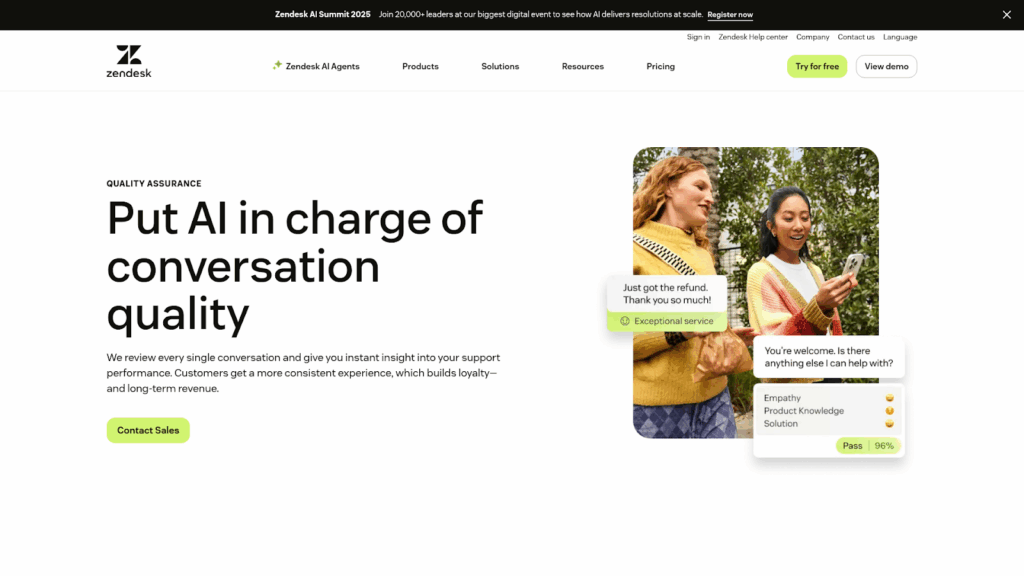
Klaus, recently acquired by Zendesk and rebranded as Zendesk QA, brings AI-first quality management to modern customer service teams. The platform emphasizes ease of use and intelligent automation to help organizations identify and fix customer experience gaps before they impact satisfaction.
Built by support professionals for support professionals, Klaus maintains its original mission of making quality assurance accessible while using Zendesk’s resources to accelerate innovation. The platform excels at turning conversation data into actionable improvements through AI-powered insights.
Core Features
1. AutoQA with AI Intelligence
Zendesk QA’s AutoQA analyzes every interaction, including AI agent conversations, automatically scoring quality based on predefined or custom criteria. The system identifies high-risk moments instantly—customers at risk of churn, conversation loops, dead air on calls—enabling proactive intervention. Users can build custom AutoQA categories by simply telling the AI what to look for in natural language.
2. Seamless Integration Ecosystem
The platform integrates deeply with major support platforms including Zendesk Suite, Salesforce Service Cloud, Intercom, and Freshdesk. A browser extension enables secure conversation review wherever interactions happen, breaking down the barriers between QA and daily operations. This flexibility ensures teams can maintain their existing workflows while adding powerful QA capabilities.
3. Agent-Centric Dashboards
Klaus pioneered agent-friendly QA interfaces that promote improvement rather than punishment. Agents receive immediate Slack notifications when evaluated, can view detailed feedback, and track their progress over time. The clean, intuitive design reduces anxiety around quality scores while encouraging continuous development.
4. Rapid Implementation
Unlike enterprise QA solutions requiring months of setup, Klaus deploys quickly with minimal configuration. Pre-built AutoQA categories and Spotlights work immediately, while the platform learns from usage to improve accuracy. This approach delivers value from day one rather than after lengthy implementation projects.
Customer Thoughts on Zendesk QA
Zendesk QA integrates well into existing workflows, but reviews suggest there are areas that could use refinement. Some users mention that tracking feedback patterns over time is difficult, often requiring spreadsheets or external tools. Others find the setup and reporting options involve a learning curve, and that adoption requires proactive management to ensure fair scoring across teams.
Analytical depth is another theme in feedback. For example, reviewers report that data granularity and integration with tools like Intercom can feel limited, which makes it harder to connect QA insights to larger business outcomes. Finally, customers note that the UI can feel cluttered and overwhelming for new users, with too much detail on single pages.
Overall, Zendesk QA offers valuable functionality, but user feedback highlights opportunities to make reporting, analytics, and usability more streamlined.
Pros
- Fastest implementation among enterprise-capable QA platforms
- AI-first approach reduces manual evaluation burden
- Best-in-class user interface praised across reviews
- Deep Zendesk integration while maintaining platform independence
- Agent-friendly design improves adoption and engagement
Cons
- Hard to identify long-term feedback patterns without external tools
- Setup and reporting options come with a learning curve
- Data lacks depth and integrations could be stronger
- UI can feel cluttered and confusing for new users
Key Considerations for Choosing a Playvox Competitor
Selecting the right workforce engagement management platform requires careful evaluation of multiple factors that extend far beyond feature comparisons.
Here are considerations that will help you assess each alternative objectively and identify the solution that best aligns with your operational goals, budget constraints, and long-term growth strategy.
Total Cost of Ownership
The true cost of any WEM platform extends well beyond the initial licensing fees quoted by vendors. An extensive TCO analysis should encompass implementation expenses, which can range from a few thousand dollars for cloud-native solutions to hundreds of thousands for complex enterprise deployments. Training costs represent another significant factor, particularly for platforms with steep learning curves that require specialized certification programs or extended onboarding periods.
Ongoing support fees often surprise organizations when they learn that premium support tiers are necessary for timely issue resolution. Hidden costs frequently emerge in the form of required professional services for updates, custom integrations, or configuration changes that internal teams cannot handle.
Most importantly, productivity impacts, both positive and negative, should factor into your calculations. A platform that reduces QA evaluation time by 70% or improves scheduling efficiency by 20% delivers quantifiable value that offsets higher upfront costs.
Calabrio’s transparent pricing model and faster deployment timeline consistently result in lower TCO compared to enterprise competitors. Organizations typically achieve full ROI within 6-12 months through operational efficiencies and reduced administrative overhead.
Integration Requirements
Your WEM platform must seamlessly connect with existing systems to avoid creating data silos or requiring duplicate data entry. The depth and quality of integrations vary dramatically between vendors. Native, pre-built connectors offer superior reliability and functionality compared to generic API connections that require custom development and ongoing maintenance.
Critical integration points include your CCaaS platform for real-time adherence and interaction data, CRM systems for customer context, HRIS platforms for employee information, and BI tools for advanced analytics. Each integration should support bi-directional data flow where appropriate and maintain real-time or near-real-time synchronization to improve data accuracy.
The complexity of achieving these integrations depends heavily on the vendor’s partnership ecosystem. Platforms like Calabrio maintain dedicated partnership teams that work directly with CCaaS providers to ensure deep, reliable integrations. This collaborative approach results in features like automatic agent synchronization, unified reporting, and seamless workflow transitions that API-only connections cannot match.
Scalability Needs
Workforce management requirements rarely remain static. Seasonal fluctuations, business growth, acquisitions, and market changes all demand flexibility from your chosen platform. Cloud-native architectures inherently provide better scalability than on-premise or hybrid solutions, eliminating the need for infrastructure investments when adding agents or locations.
Performance at scale represents a critical consideration often overlooked during initial evaluations. Some platforms that perform well with 100 agents struggle with response times and report generation when supporting 1,000+ agents. The underlying technology architecture determines these limitations. Modern microservices architectures scale horizontally to maintain performance, while monolithic platforms hit hard ceilings.
Global scalability introduces additional complexity through multi-language support, regional compliance requirements, and distributed team management. Your platform should accommodate these needs without requiring separate instances or expensive customization. Calabrio’s multi-tenant architecture and cloud-first design prioritize consistent performance whether you’re managing 50 agents in one location or 5,000 agents across multiple continents.
User Experience Impact
The most feature-rich platform fails if users avoid or incorrectly use it. User experience directly correlates with adoption rates, data accuracy, and ultimately, ROI. Modern WEM platforms should provide intuitive interfaces that require minimal training for basic functions while adding depth for power users.
Agent-facing interfaces deserve particular attention since these users interact with the system daily but receive limited training. Self-service capabilities through mobile apps or web portals should feel as natural as consumer applications. Complex scheduling rules and workforce policies must translate into simple, clear interfaces that agents understand without extensive documentation.
Administrative interfaces require different considerations. While managers need powerful tools for analysis and decision-making, overwhelming them with options and complex workflows reduces effectiveness. The best platforms layer functionality, presenting simple workflows for common tasks while keeping advanced features accessible but not intrusive. Calabrio’s role-based interfaces exemplify this approach, showing each user only the features and data relevant to their responsibilities.
Support Quality
Vendor support models reveal themselves most clearly during critical moments—system outages, integration failures, or urgent configuration needs. The quality, availability, and expertise of support teams directly impact your operational resilience. Many vendors have shifted to tiered support models that provide basic email assistance at lower tiers while reserving phone support and dedicated resources for premium packages.
Response time SLAs tell only part of the story. The expertise level of support personnel, their familiarity with your specific use case, and their ability to resolve issues without escalation matter more than initial response speed. Vendors relying heavily on outsourced support often struggle with complex technical issues that require deep product knowledge or understanding of customer-specific configurations.
Calabrio’s commitment to human-centered support with minimal outsourcing creates genuine partnerships rather than transactional relationships. Support team members understand not just the technical product but also the business context of contact center operations. This expertise enables them to provide strategic guidance beyond break-fix support, helping organizations continuously optimize their use of the platform.
Final Thoughts: Why Organizations Choose Calabrio
In an industry filled with complex enterprise solutions and limited point products, Calabrio strikes the perfect balance. The platform delivers enterprise-grade capabilities through an intuitive interface that users actually enjoy.
Real-world results speak volumes. Organizations using Calabrio report 19% improvements in answer rates, 80% reductions in handle time, and 20% increases in scheduling efficiency. These outcomes stem from Calabrio’s unified approach that eliminates silos between workforce management, quality assurance, and analytics.
For contact centers ready to move beyond the limitations of Playvox or other competitors, Calabrio offers a clear path forward. The combination of powerful functionality, intuitive design, and genuine partnership makes Calabrio the trusted choice for organizations serious about agent engagement and customer experience.
Ready to see the difference? Book a demo today and learn how Calabrio transforms contact center performance without the complexity.
Frequently Asked Questions: Playvox Alternatives
How Do Implementation Timelines Compare?
Calabrio typically deploys in weeks thanks to pre-built integrations and intuitive design. Playvox also offers relatively quick deployment for standard use cases. NiCE and Genesys implementations often stretch into months due to complexity and customization requirements.
Which Platform Best Supports Remote Teams?
Calabrio’s My Time app and cloud-native design excel for remote and hybrid teams. Playvox provides solid remote capabilities through its web-based interface. NiCE and Genesys support remote work but may require additional configuration for optimal performance.
How Do These Platforms Handle Compliance?
All major platforms address compliance requirements like GDPR and HIPAA. Calabrio builds compliance into its core platform without requiring heavy customization. Competitors often need additional modules or configuration to meet specific regulatory requirements.